
Appearance
Analytics & tracking
Open Settings, then Analytics & tracking.
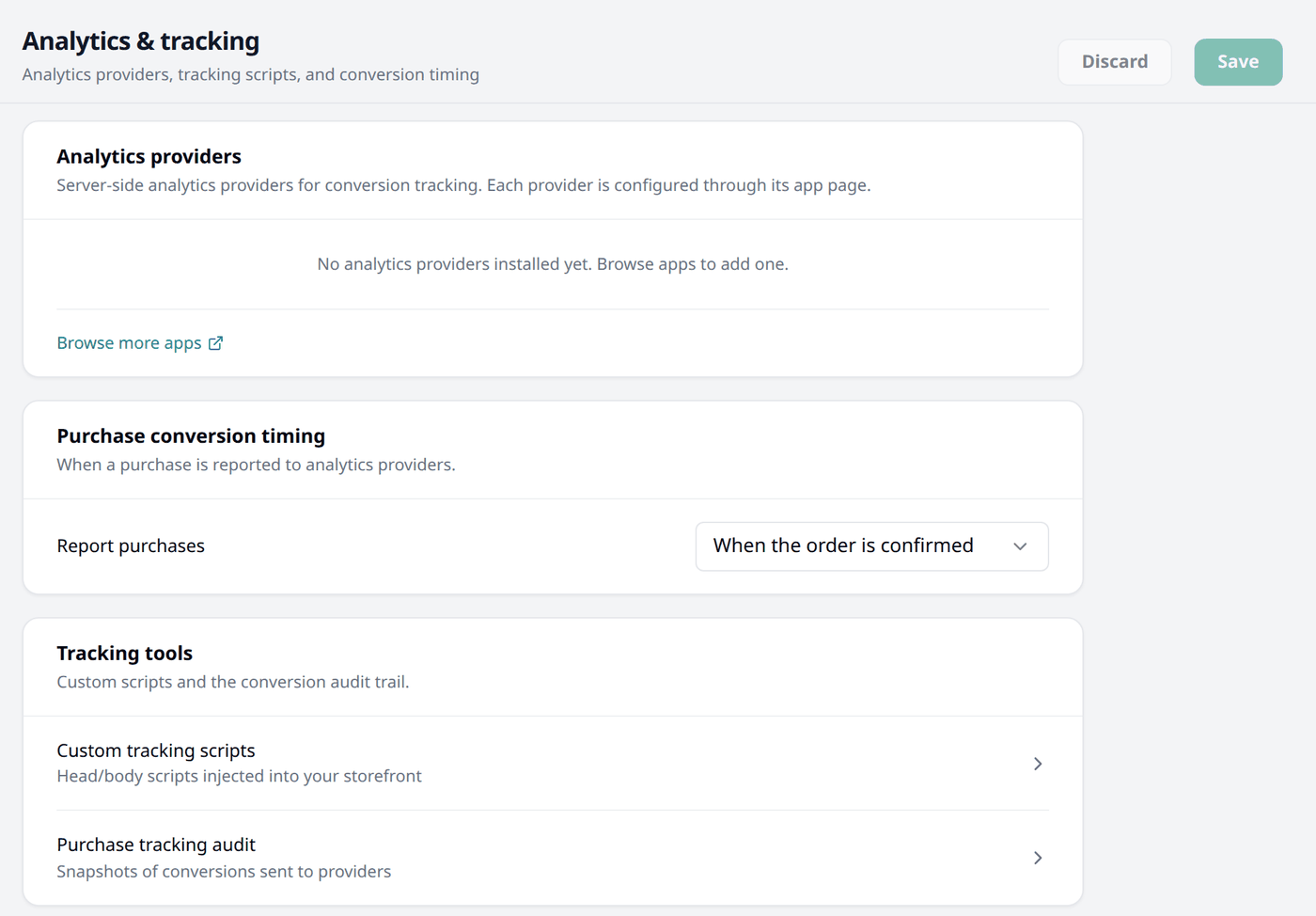
Analytics providers
An analytics provider is an app that reports your sales to a third-party service such as Google Analytics or Meta, so you can see how your shop is doing outside Biponix. Each one is set up through its own app page, not here — this card only lists the installed ones.
Browse more apps takes you to the app store to install one.
Purchase conversion timing
Report purchases decides when a sale is reported to your analytics providers:
- When the order is confirmed — the moment you confirm the order.
- When the order is placed — the moment the customer finishes checkout.
Choose confirmed to report only the orders you accept. Choose placed to report every order placed, even the ones you may cancel later.
Tracking tools
Two further pages live under this card:
- Custom tracking scripts — adding a custom tracking code to your storefront.
- Purchase tracking audit — checking whether an order's sale was reported correctly.
Saving
Nothing changes until you press Save, at the top right of the page. Discard puts everything back.