
Appearance
Product picker
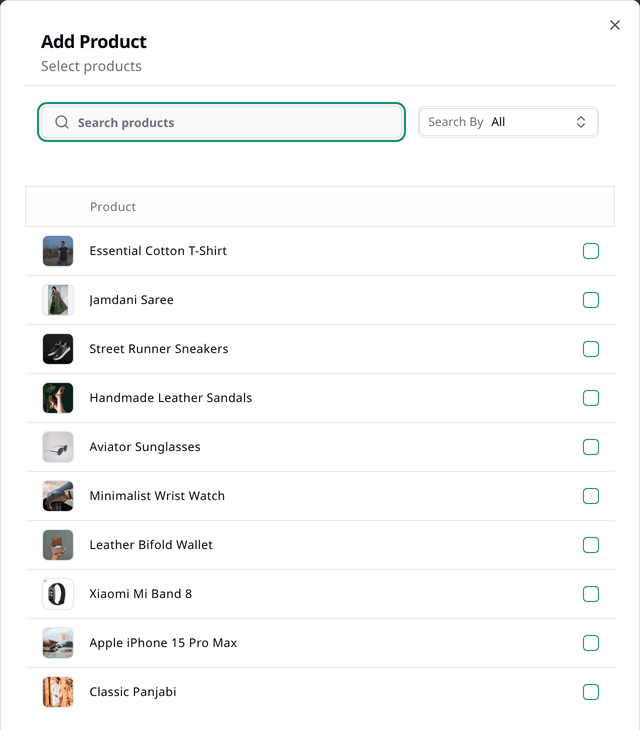
Product picker lets you search and pick products where you need to. This is a component you see at several places in your dashboard — selecting products for a collection, picking one for a sales funnel, or adding an item to an order. You might have to interact with it frequently, so it is worth having a proper understanding of it.
Searching
Type in the search box to find a product. Search By lets you find a product by:
- All — its name and SKU code
- Name — its name only
- SKU — its SKU code only
Selecting
Depending on where you interact with the picker, it behaves slightly differently.
- In some places it lets you pick multiple products — tick as many products as you want, then press Add. Selected products are listed at the top. The × button beside one removes it.
- In other places it only lets you pick a single product. For example, the picker in sales funnels only lets you choose one, and selecting a product closes the window straight away.
Cancel and the × button at the top corner of the window discard the changes you made and close the window.
Only some products show up
Some pickers only show products you can actually use in that context — a sales funnel's picker, for example, only lists products that are published. If a product you expect is missing, that is usually why.